
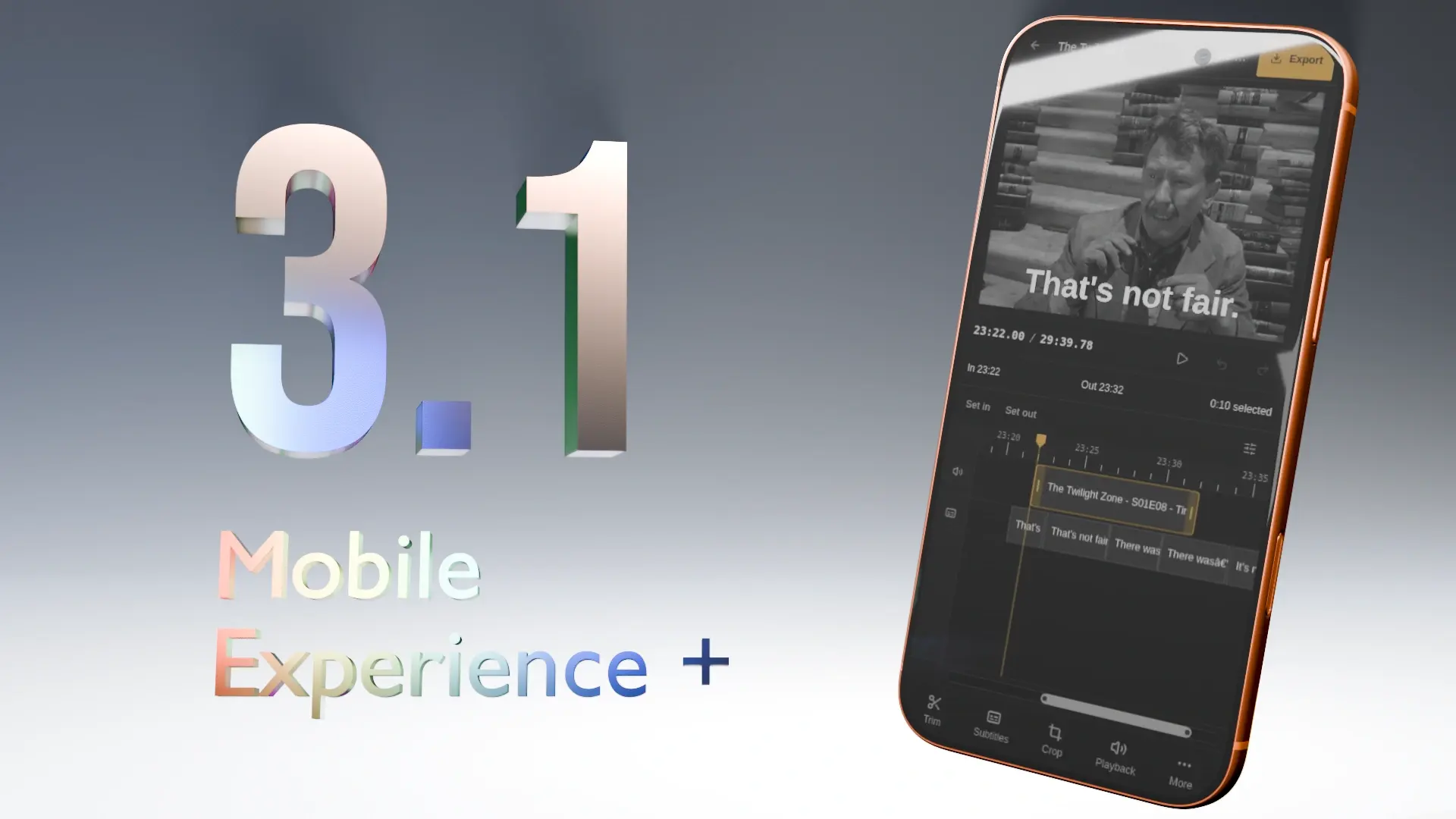
Cliparr 3.1 is out! With a redesigned mobile experience that feels like a native app.
But wait! There’s more! 
Cliparr can now clip through time and space, with the new Crop tool. Before, you could trim the beginning or end of a clip. Now you can clip… the clip! … with cropping!
Draw a freeform crop rectangle, choose an aspect-ratio preset, or enter exact pixel dimensions.
A sick new mobile layout. Feels native.
Check it out! We have a new bottom action bar, similar to what you have probably seen in other popular mobile editing apps, like CapCut or Instagram.
We were able to remove a lot of wasted space by consolidating controls into tabs via the bottom action bar, and fitting more information per row. Some areas remain scrollable, but everything you need remains in view.
Watch this demo of the new 3.1 mobile flow. I open an episode from my Plex media server, immediately where I paused it, subtitles are already loaded and in sync, and using the new crop tool, I can make this clip of Pavi totally portable sports. 
From a media-server session to a finished clip: trim, crop, and style the server’s subtitles in the redesigned mobile editor.
By the way, that “Made with Cliparr” at the end, is not part of the app, and never will be. It’s something I manually added for this post.
So much room for activities! 
Cliparr started with a mobile layout from day one. But, the focus has still always been the desktop experience, and that has driven most of the limitations set on the mobile interface.
But now! We have more intelligent components and layouts that properly adapt the same controls for a native-like mobile experience.
Before
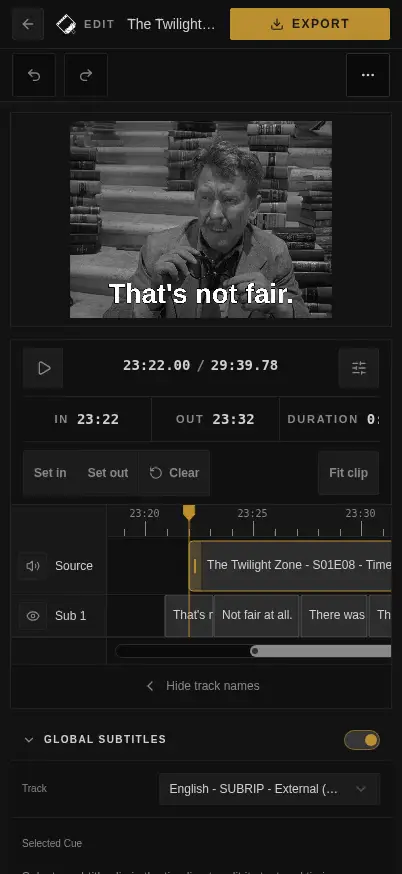
After
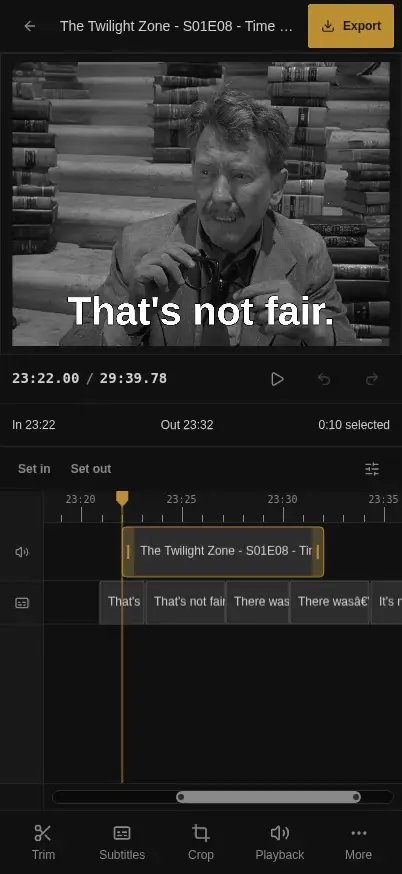
The bottom action bar groups your tools into Trim, Subtitles, Crop, Playback, and More. Open the controls you need for the current step, then get back to your preview and timeline.
Cliparr runs in your browser, using WebCodecs and Mediabunny for editing and export. There’s no app to install. If you haven’t tried it on your phone yet, this is a good time to give it a go.
A few other fixes
There’s more in 3.1 besides the two big feature changes:
- Clearer playback loading. Each source shows whether it is connecting, finding playback, or preparing playback details. Ready sources remain available while others continue loading.
- Faster Plex connection attempts. Cliparr tries server addresses in a staggered sequence, reducing the wait when an earlier address is slow or unavailable.
- A warning before leaving an active export. Navigating away from the editor asks for confirmation. Reloading or closing the tab also requests a browser warning.
- FLAC export fixes. Valid standalone FLAC files with short final frames export in full. Incomplete sources are still rejected instead of producing silently truncated audio.
- Timeline fixes. We’ve fixed playback and scrubbing issues at clip boundaries and when the browser suspends an audio context.
Faster builds and security updates
For anyone building Cliparr from source, Docker now compiles the app on the builder’s native architecture. Producing an ARM64 image no longer needs to emulate dependency installation and frontend/server compilation. CI builds and smoke-tests both AMD64 and ARM64 production images.
We’ve also updated dependencies, container images, and the container security scanner. The deployment examples use stronger defaults too.
For the full release details, see the 3.1.0 changelog.