


Where does Cliparr process video?
Your browser edits and exports the clip. If you open a file from your device, it stays there. For Plex, Jellyfin, or a direct media URL, your Cliparr server can relay the video to your browser.
Self-hosted video clipping
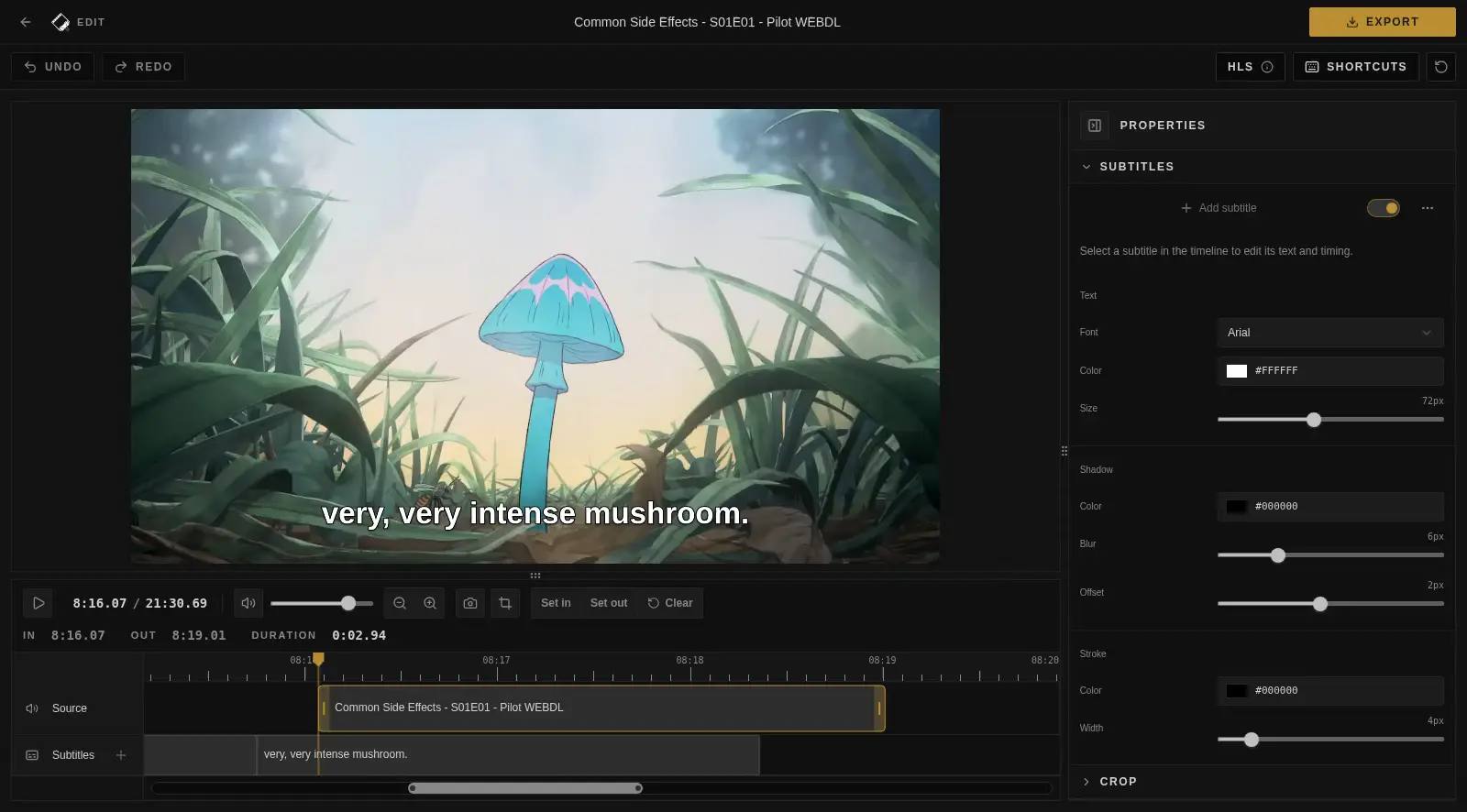
Start a clip right where you’re watching in Plex or Jellyfin, or open a video from your device. Trim it and export it in your browser.
 Plex
 Jellyfin
Pick what’s playing on Plex or Jellyfin, or open local videos without uploading them. Crop it, import and edit subtitles or add your own, then export the clip.
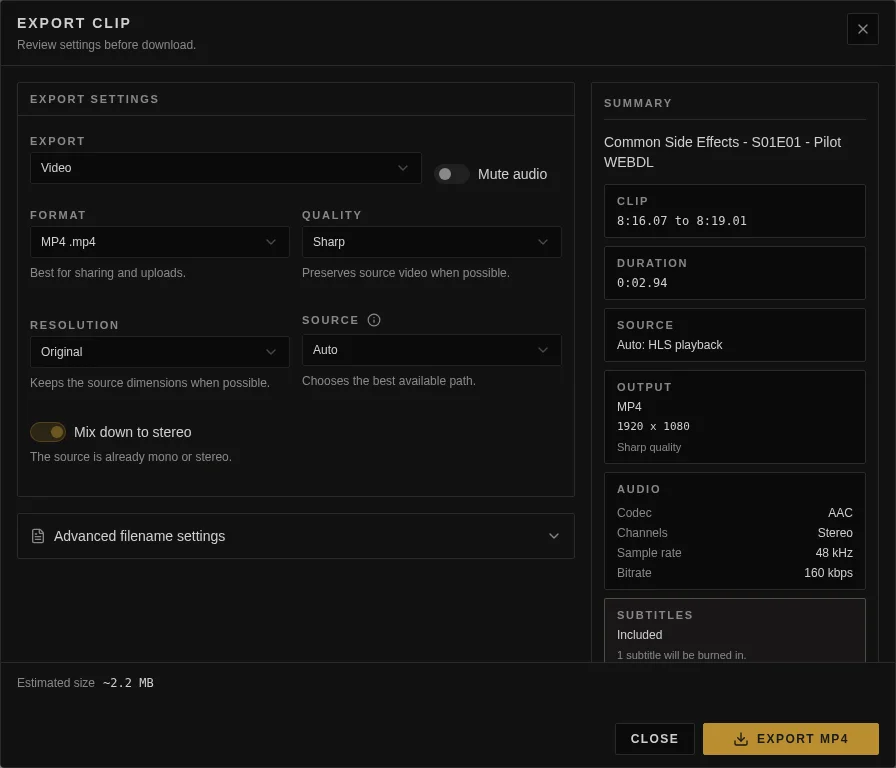
Your browser handles the transcoding. Save your clip as MP4, WebM, MOV, or MKV, export just the audio, or make a GIF. Work on local files offline.
Self-hosted quick start
Replace the example APP_KEY with a random secret of at least 32 characters. Keep it for future updates. Run the command, then open http://localhost:7171 on the same computer.
docker run -d \
  --name cliparr \
  -p 127.0.0.1:7171:7171 \
  -e APP_KEY="your-32-char-stable-random-secret" \
  -v cliparr-data:/data \
ghcr.io/techsquidtv/cliparr:latestdocker run -d `
--name cliparr `
-p 127.0.0.1:7171:7171 `
-e APP_KEY="your-32-char-stable-random-secret" `
-v cliparr-data:/data `
ghcr.io/techsquidtv/cliparr:latestNative-like controls and speed. Clip local files from your camera or elsewhere.
Install the PWA from your browser. On iPhone or iPad, tap Share → Add to Home Screen in Safari. On Android, use the install option in a supported browser.
Browser support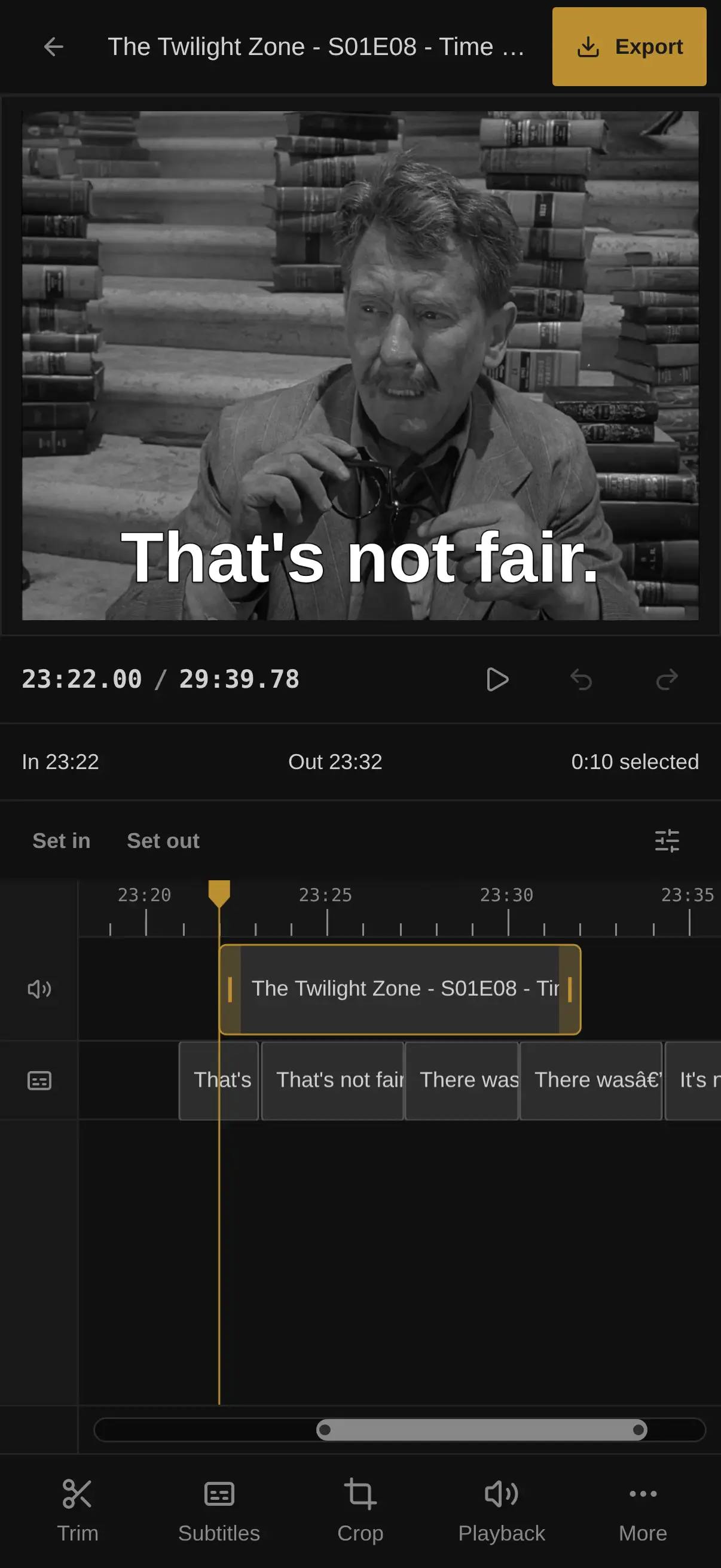
Your browser edits and exports the clip. If you open a file from your device, it stays there. For Plex, Jellyfin, or a direct media URL, your Cliparr server can relay the video to your browser.
It connects to Plex and Jellyfin and tells the dashboard what’s playing. It encrypts your saved credentials so it can reconnect later.
No. You can export video, audio, and GIFs without installing FFmpeg, including on your phone and tablet.
If you need a whole file in another format, open Cliparr Convert in your browser. There’s no server to set up. Use the self-hosted editor to cut a clip or work with a Plex or Jellyfin session.